Night at the Museum year Round
🏛️ Night at the Museum Showcase
Overview
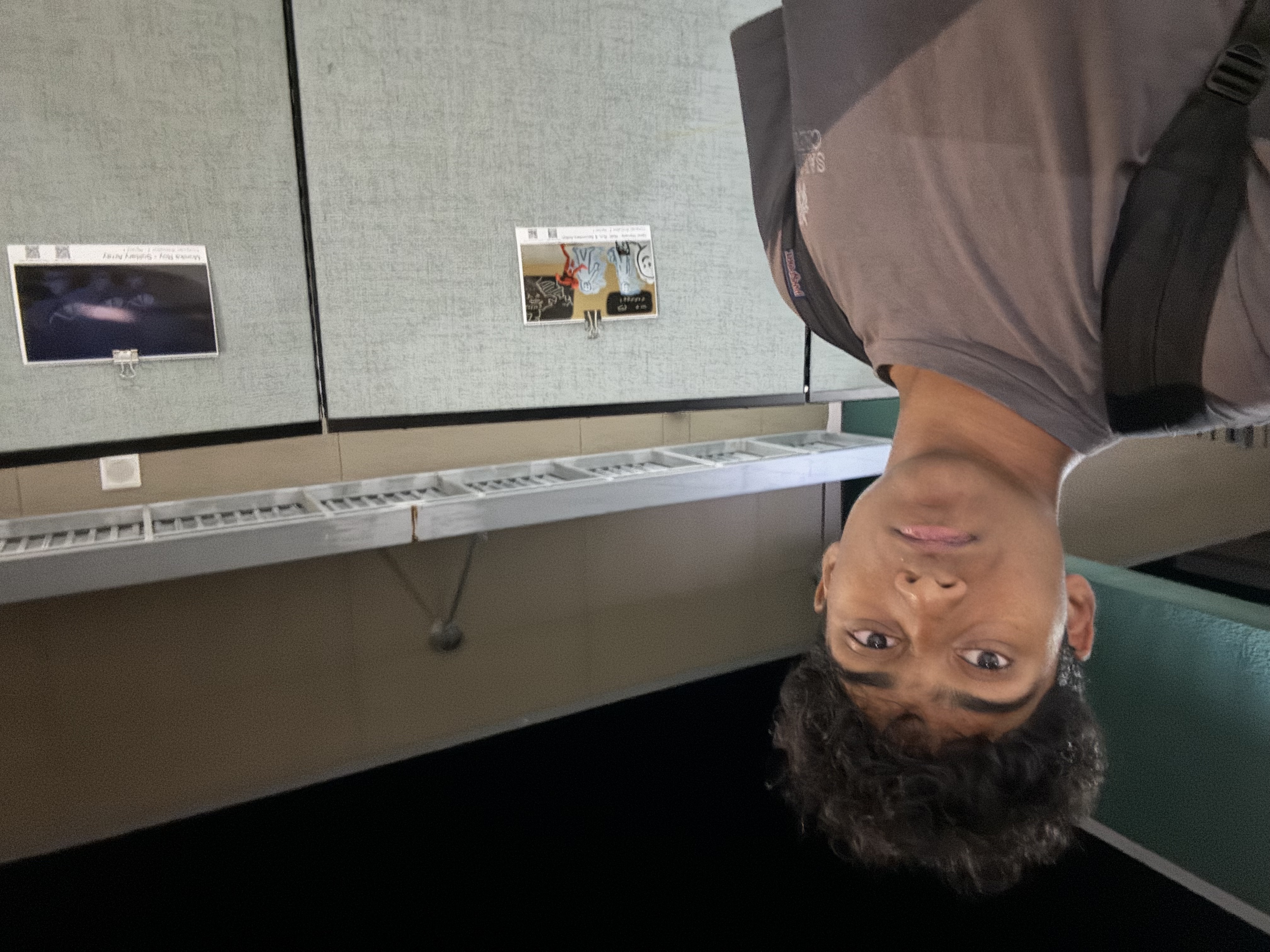
Across three Night at the Museum events this year, I had the opportunity to present and improve my projects in front of a real audience—students, teachers, parents, and professionals. These events helped us not only demonstrate technical features but also refine how we communicate our ideas.
We focused on letting guests explore our work hands-on, providing QR codes for feedback, and answering questions live. These interactions helped simulate user testing and taught us how to handle feedback constructively.
Highlights from Each Night
1st Night — Debate Platform Demo
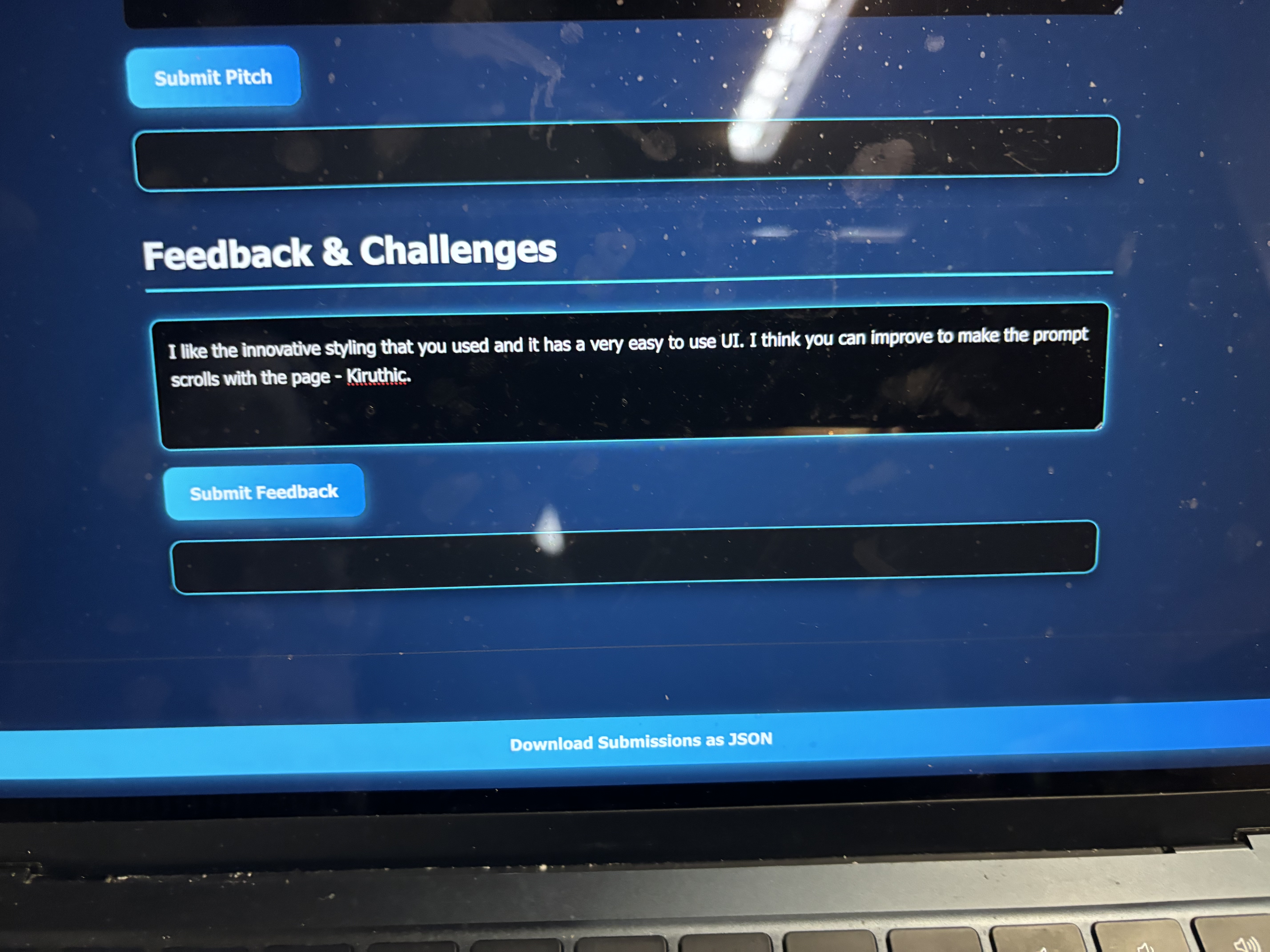
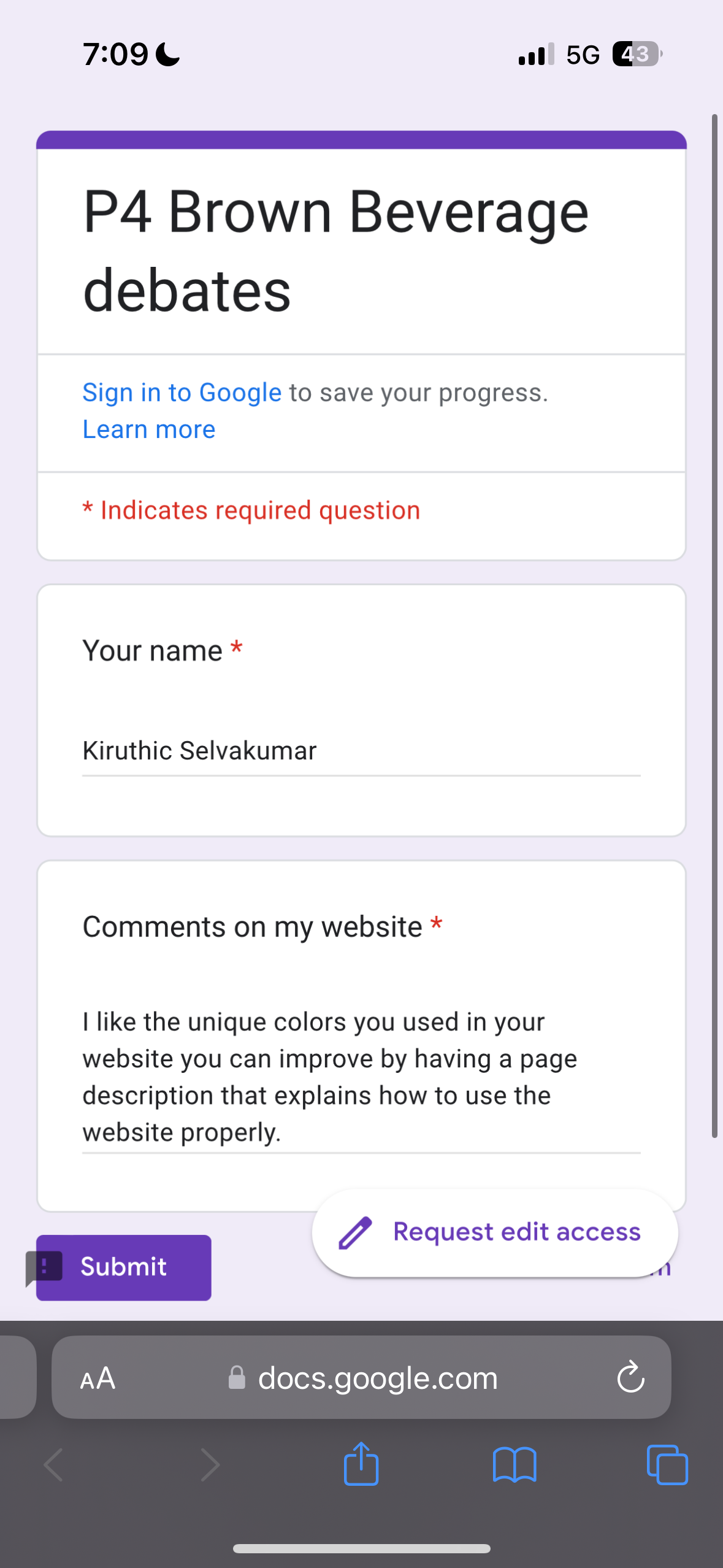
We introduced our Internet Debates site, showcasing custom features like topic-based chatrooms and a voting API. Listeners engaged with our interface and discussed the purpose behind promoting structured online discourse.
- Feedback Takeaway: Randomized or AI-generated prompts could boost daily user engagement.
- Visuals:
2nd Night — Interactive Travel App
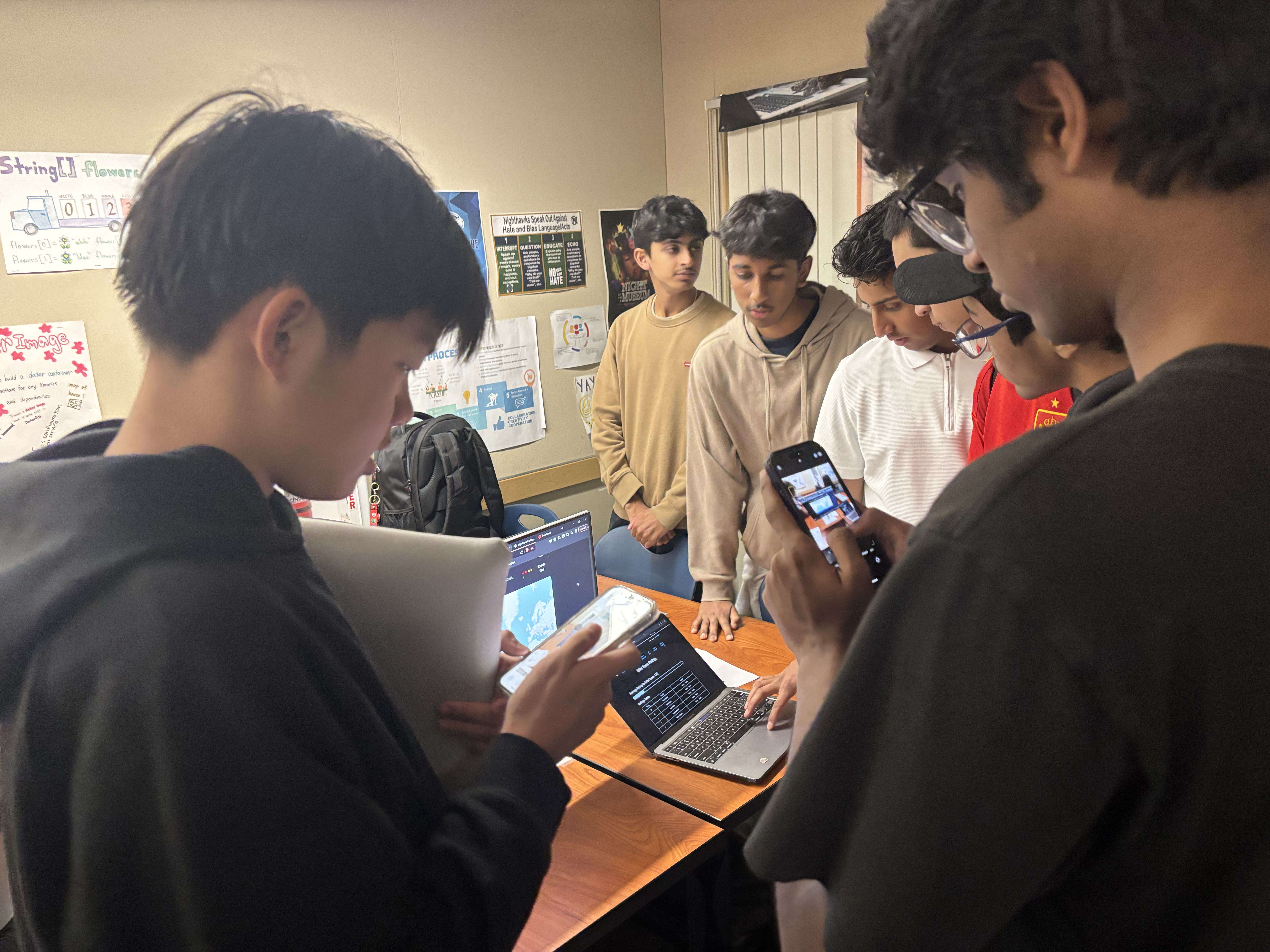
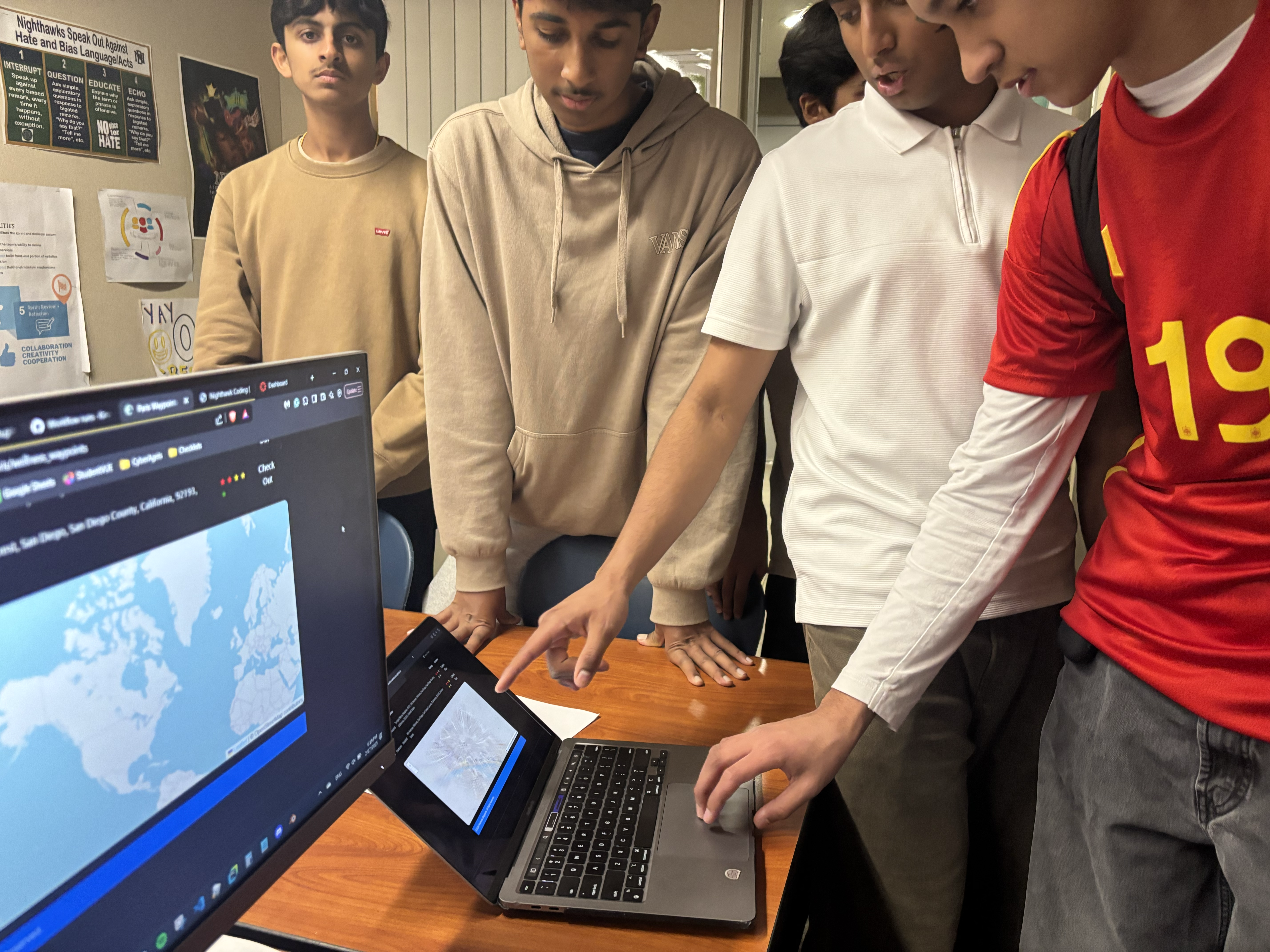
We presented our full-stack travel planner and allowed visitors to test the site, submit reviews, and rate activities. The presentation emphasized clarity, purpose, and visual appeal.
- Feedback Averages (12 reviews):
- Project Uniqueness: 4.42/5
- Design Aesthetic: 3.92/5
- Presentation Clarity: 4.42/5
- Purpose Fulfillment: 4.67/5
- Screenshots:


3rd Night — Live Learning Platform
During our final Night at the Museum, we showcased our full interactive learning site built for educators and students. This platform included a suite of tools: flashcards with progress tracking, embedded YouTube videos, live code editors with output display, a multiplayer quiz game with a leaderboard, and AI comprehension checkers.
We structured the presentation to show how a teacher might use the platform to lead a class, while visitors could jump in on student-mode features using our demo laptops. Several parents and teachers tested our flashcards and tried answering comprehension questions with the AI tool.
Our team received questions about implementation details like data storage, lesson formatting with YAML front matter, and how multiplayer games handled socket connections. We also got suggestions about adding exportable reports or allowing teachers to track student progress over time.
- Key Takeaways:
- The project demonstrated real-world classroom potential.
- Live demos made technical concepts more accessible to non-technical visitors.
- Audience feedback emphasized usability, clarity, and how well the platform simulated blended/hybrid learning environments.
Review with Derick Lee — PilotCity
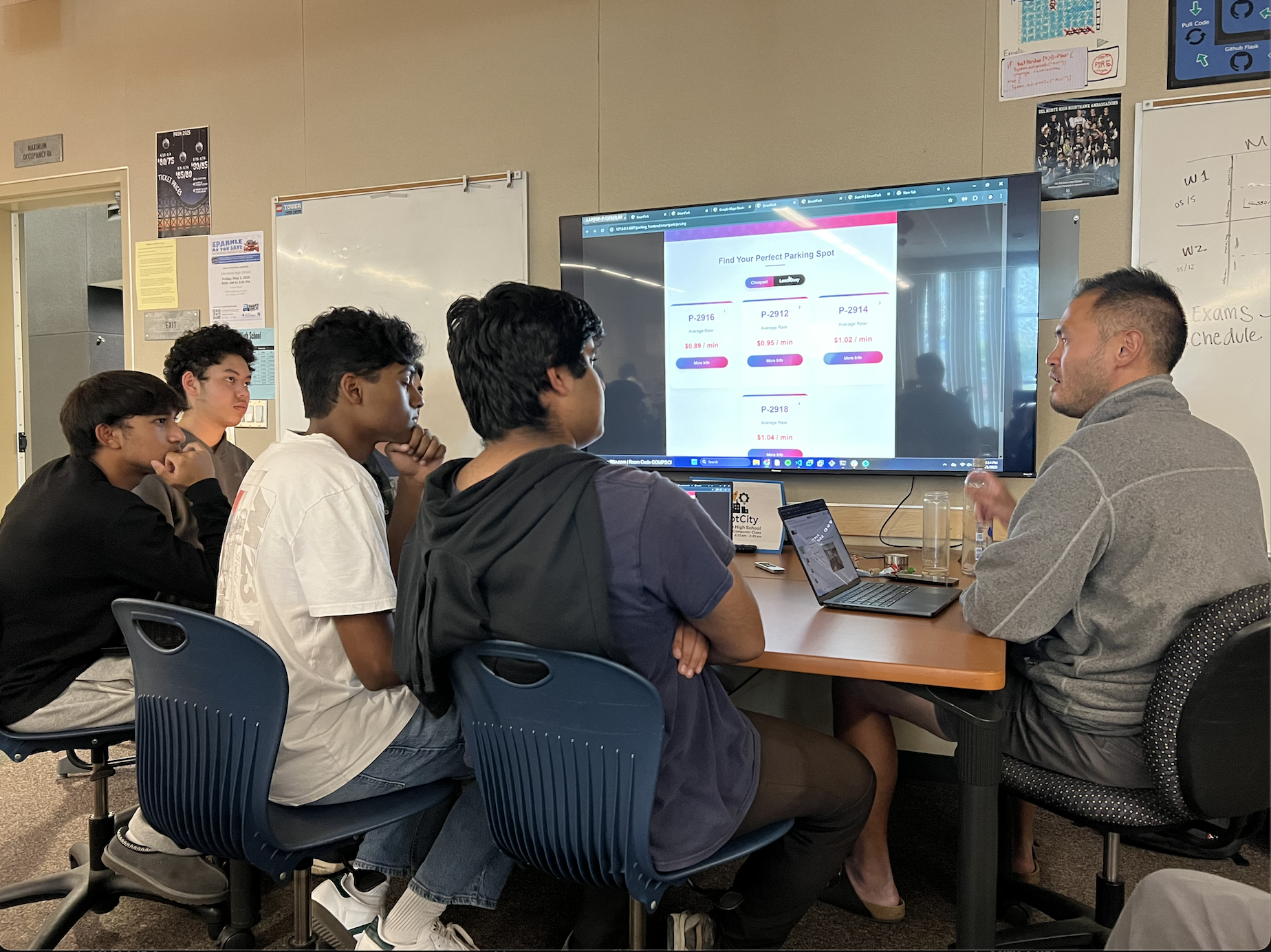
During the final Night at the Museum, our group had the opportunity to present our SmartParkSD project directly to Derick Lee, founder of PilotCity — a company focused on connecting students with real-world industry experiences through innovation.
We demonstrated how our system could help San Diego residents find real-time parking availability and plan their trips efficiently. Derick approached our project from a professional and product development standpoint, offering feedback that blended technical, business, and user-centered perspectives.
Key Insights from Derick:
- He emphasized the importance of formatting and visual cues to guide users intuitively through key actions, especially on mobile layouts.
- He suggested we explore embedding our tool into existing navigation platforms like Google Maps, increasing usability without requiring standalone app adoption.
- From an industry perspective, he identified who would find value in the tool — including cities, tourism boards, and transportation startups — and suggested we frame our pitch toward stakeholders with logistical interests.
- He included us in his top 15 projects of the event, which reflected both the functionality of our demo and the potential for real-world application.
This session gave us valuable insight into how to make our projects not only technically strong but also marketable, scalable, and practical in real-world environments.
Final Reflection
These events helped me move from just “coding” to understanding how real users think and interact. I learned to:
- Receive feedback and iterate quickly
- Communicate project purpose clearly
- Focus on both functionality and user experience
- Present like a developer, not just a student
Over time, our presentations became smoother, our visuals cleaner, and our user testing more structured. Night at the Museum gave me a real-world audience and helped me treat my projects like real products—not just assignments.